← Selected workCase study
TELUS My Wi-Fi
Setting up and managing a whole-home Wi-Fi network
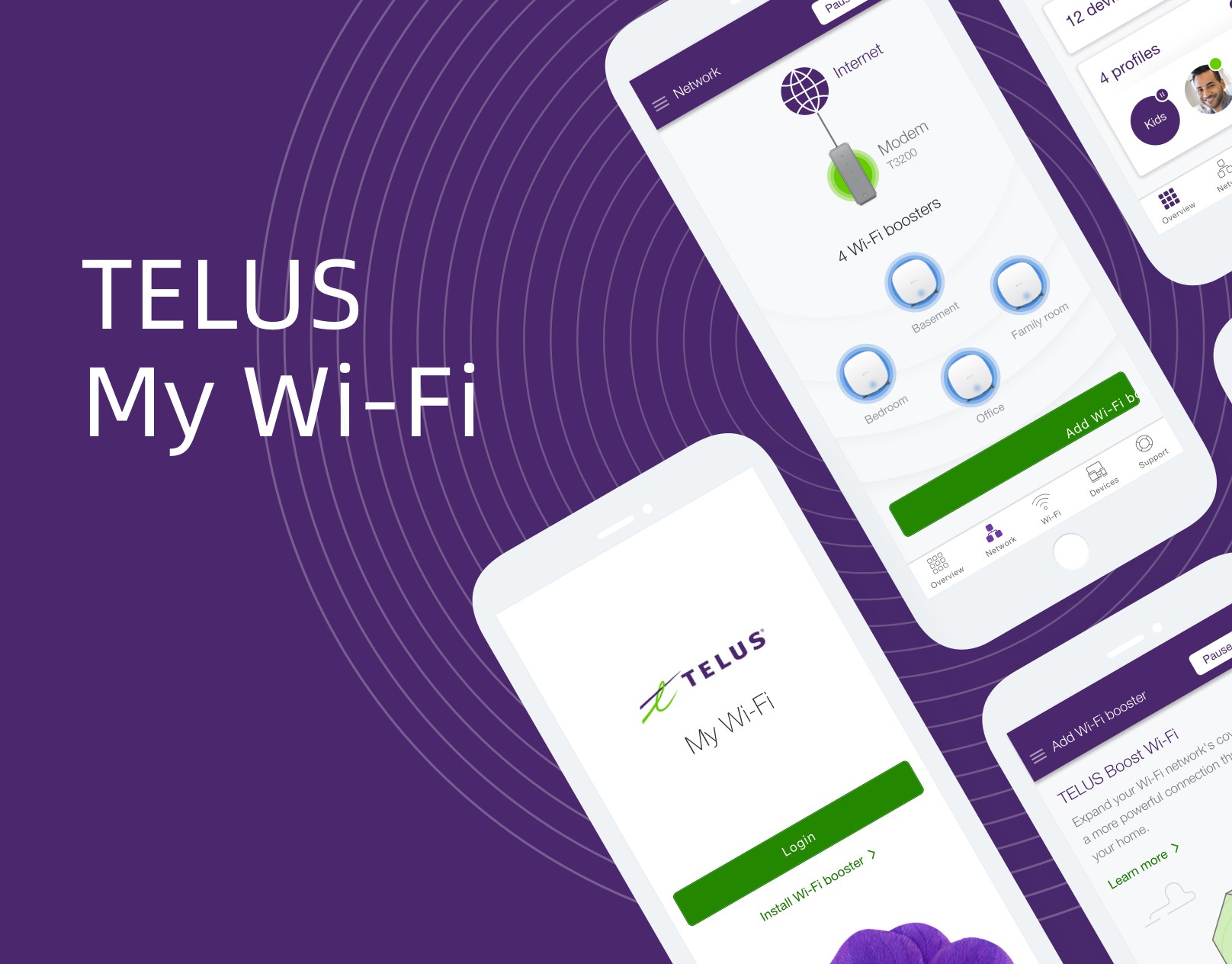
TELUS needed a mobile app to help customers set up and manage a scalable home Wi-Fi system with multiple boosters. I owned the UX/UI direction for the app’s flows, then worked with a creative director, an animator and UI designers on the visual deliverables. The central challenge was connecting the physical setup process with clear controls for the home network.
Three jobs, from workshops
Workshops with the client and quick prototypes narrowed the app down to three jobs a customer actually needs done. Everything else was secondary. The one-tap pause is the smallest of these features and the clearest example of the approach: one job, one control, no settings to dig through.
- Set up the system simply and get coverage across the whole home.
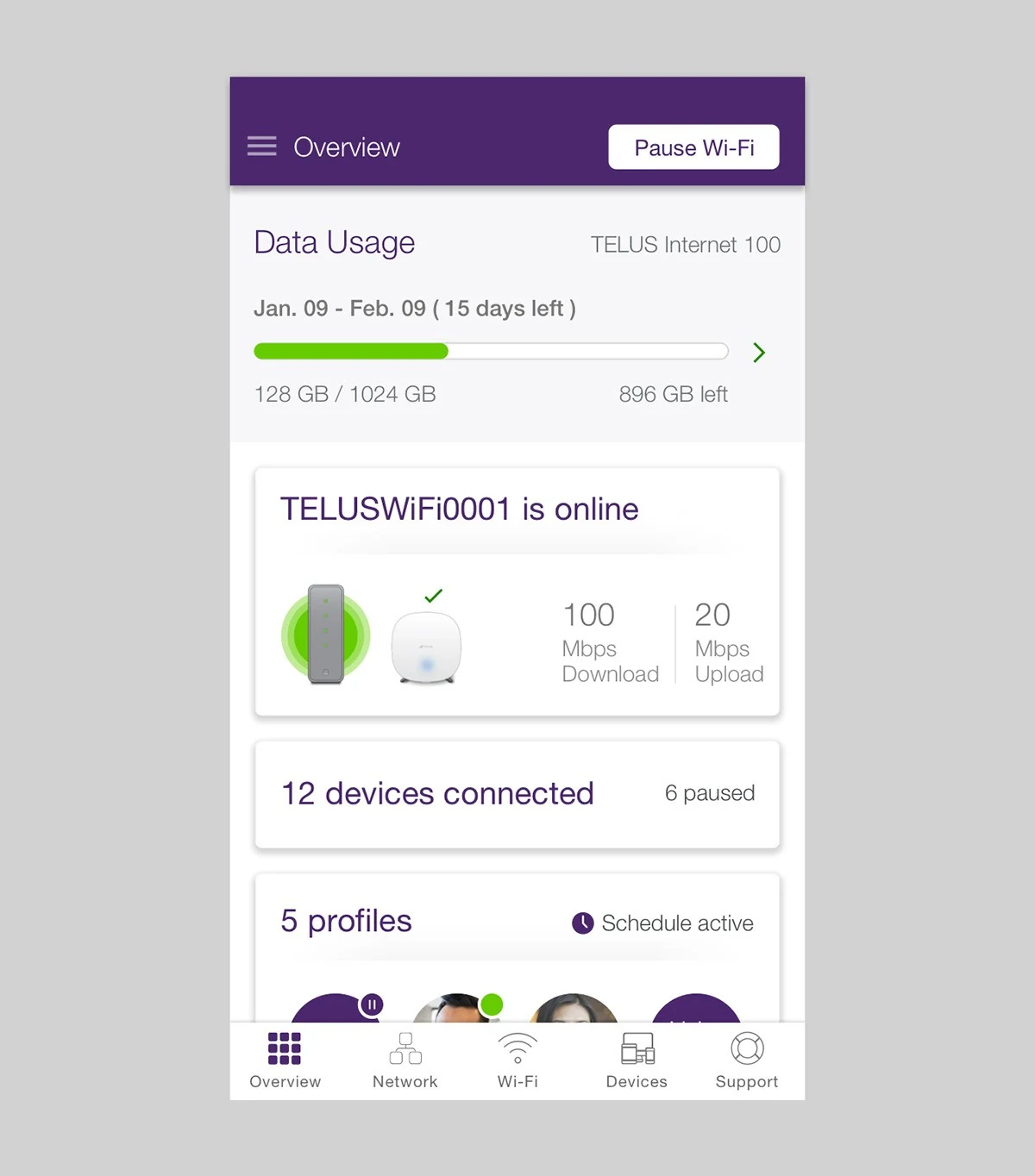
- Monitor connectivity, usage and connected devices.
- Manage the family’s online time, including pausing the internet with one tap.
An app shaped around those jobs
The app was organized into four tabs: network status, Wi-Fi, devices and support. This gave the main jobs distinct places in the interface and provided a structure for aligning the client’s requirements before moving into detailed screens.
Setup on the wall
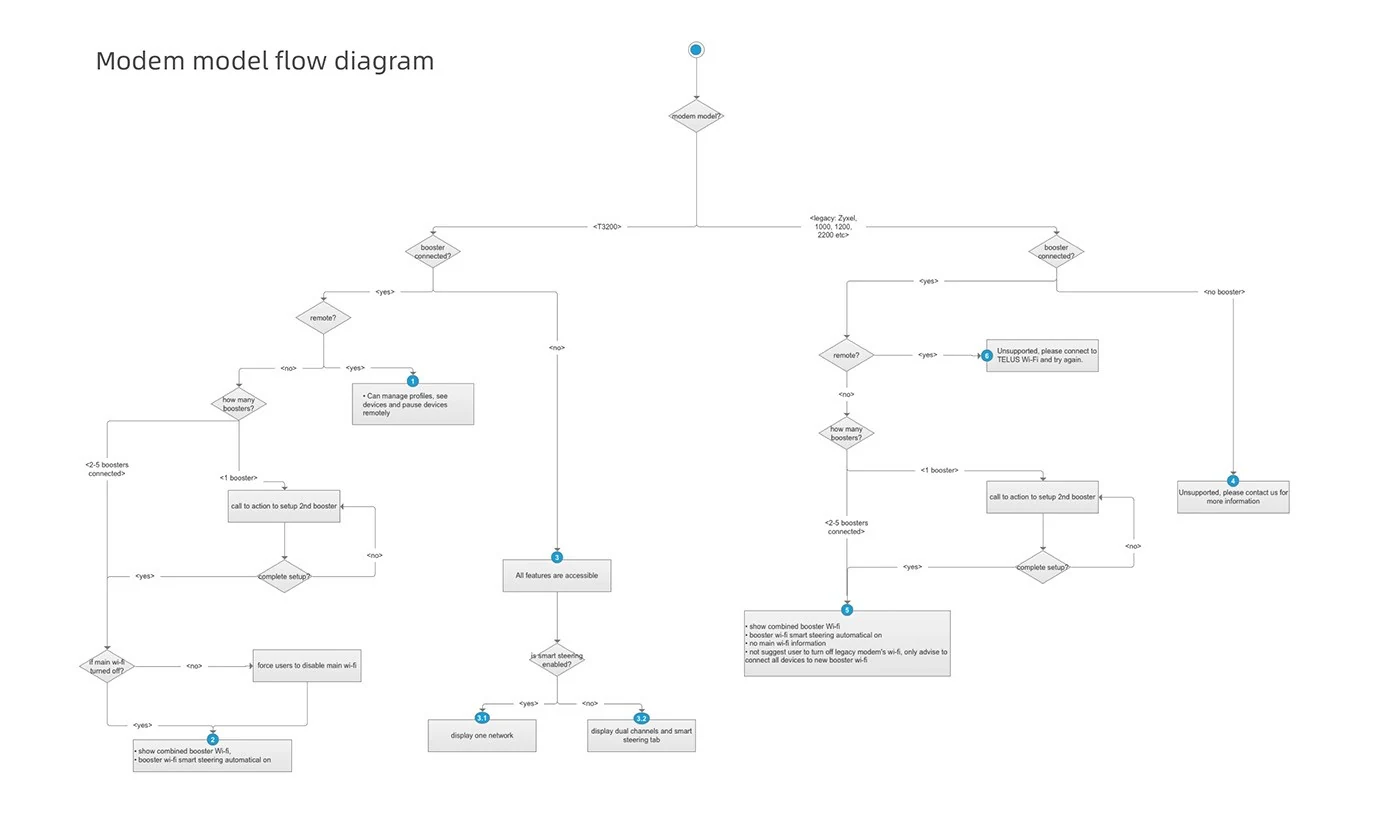
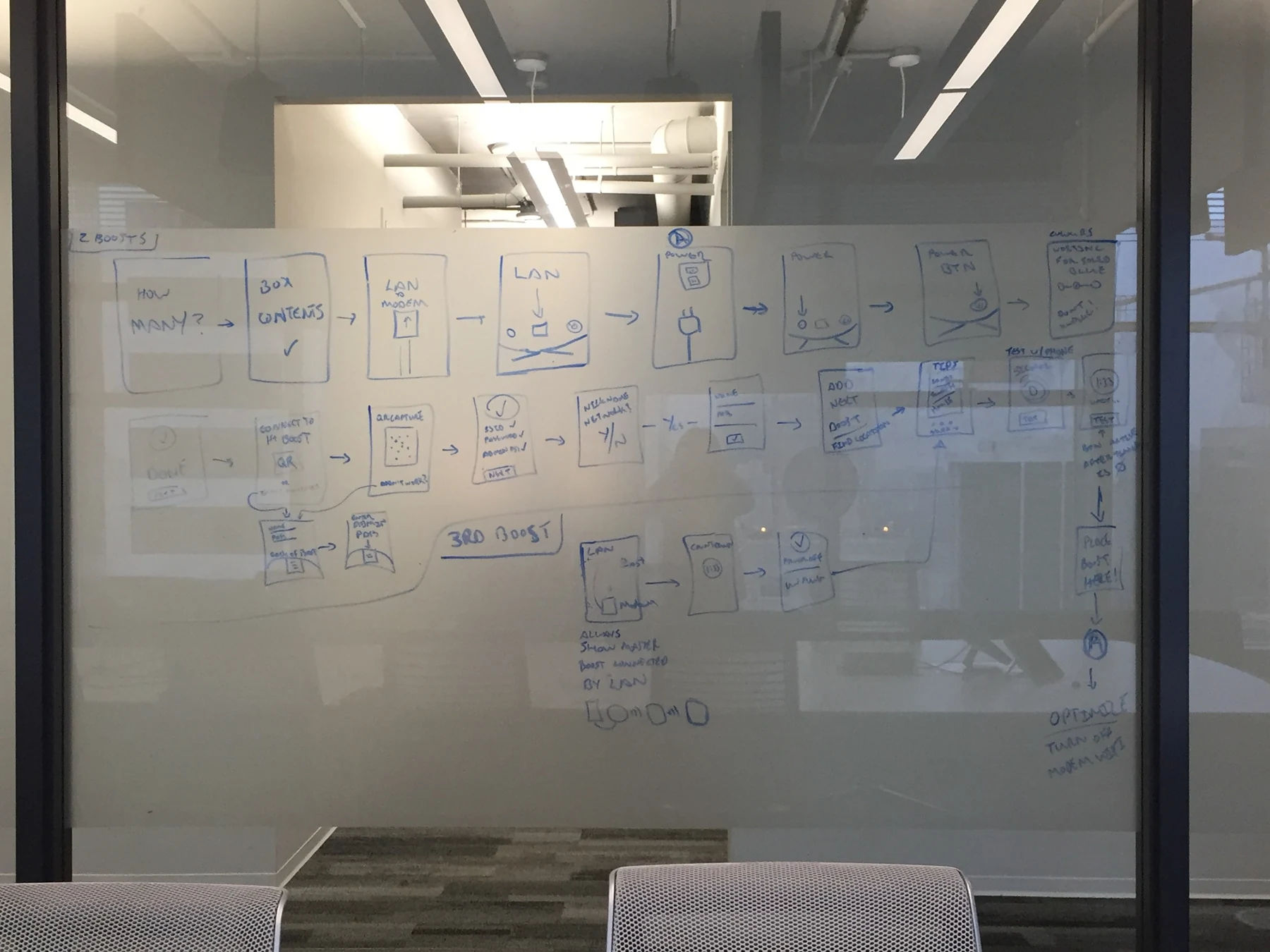
Booster setup was the hardest part, because it depends on hardware, placement and technical limits the app cannot see. I worked through it as step-by-step wireframes pinned on a wall, and walked the client’s team through them to find where the technical constraints broke a step.
The process went from a glass board to information architecture and flows, then to wireframes. Keeping setup on the wall made it easy for engineers and stakeholders to point at the exact step they disagreed with, instead of debating the flow in the abstract.
From wireframes to a tested prototype
With the flows settled, I worked with the creative director, animator and UI designers on the visual design. The work followed TELUS’s mobile guidelines and adopted WCAG 2.0 AA as the accessibility standard. We built a high-fidelity InVision prototype for stakeholder review.
TELUS then conducted in-person usability testing in its lab with five real customers. The sessions covered unboxing and hardware installation as well as key app flows, bringing the physical product and the mobile interface into the same evaluation.
What I took forward
A home network app is judged by whether the internet works, not by its screens. Defining three jobs early, designing setup step by step against real hardware constraints, and testing from the unboxing onward kept the app focused on that.